Mobile App Development Like You are Building a House
You do not just start laying bricks randomly right ?
- Create a blueprint .
- Choose materials
- Build rooms step by step
- Decorate
- Finally move in
Mobile app development works exactly the same way .
You are not just coding an app . You are planning designing building testing and improving something people will use daily like WhatsApp TikTok or a food delivery app .
And the best part? You don’t need to be a genius developer to understand this. I will explain everything like I am helping a friend.
Q. What is Mobile App Development ?
These apps can be:
- Android apps .
- iPhone apps .
- Cross-platform apps (run on both) .
- Web apps (run in browser but feel like apps) .
Q. What is Mobile App Development ?
Examples you already use :
- Social apps (chatting)
- Shopping apps
- News apps
- Gaming apps
- Banking apps
- Learning apps
Every single one started as just an idea.
Types of Mobile Apps (Simple Explanation) .
Before building an app you must decide what type of app you want .
1. Native Apps.
Built specifically for one platform.
Android ⇒ Kotlin / Java
iPhone ⇒ Swift
Example :
Android only app
Pros:
- Fast performance
- Best user experience
- More control
Cons:
- Expensive.
- Takes more time.
2. Cross-Platform Apps.
One code ⇒ Android + iPhone
Popular tools:
- Flutter
- Ionic
Pros:
- Faster development
- Lower cost
- One team needed
Cons:
- Slightly slower performance (sometimes)
This is what most beginners choose.
3. Web Apps (PWA).
These apps run in browser but look like mobile apps.
Example:
- News websites.
- Blog apps.
- Tool apps.
Pros:
- Cheapest
- no app store approval
Cons:
- Limited features
Mobile App Development Process.
Let is break it down like real life.
1: App Idea (The Problem) .
Every good app solves a problem .
Examples:
Problem ⇒ People forget tasks
App ⇒ To-Do app
⇒ People want fast news
⇒ News app
⇒ Students need notes
⇒ Education app
Ask yourself :
- What problem am I solving ?
- Who will use this app ?
- Why will they install it ?
This step decides everything .
2: Market Research (Check Competition).
Before building, check :
- Similar apps.
- Their features.
- Reviews.
- Weak points.
Example:
If you are making a news app, check:
- Loading speed
- UI design
- Ads placement
- Categories
Then build something better.
3: App Features Planning
Write your app features like this:
Example News App:
- Homepage
- Categories
- Search
- Push notifications
- Live news
- Video section
- Dark mode
This is your app blueprint.
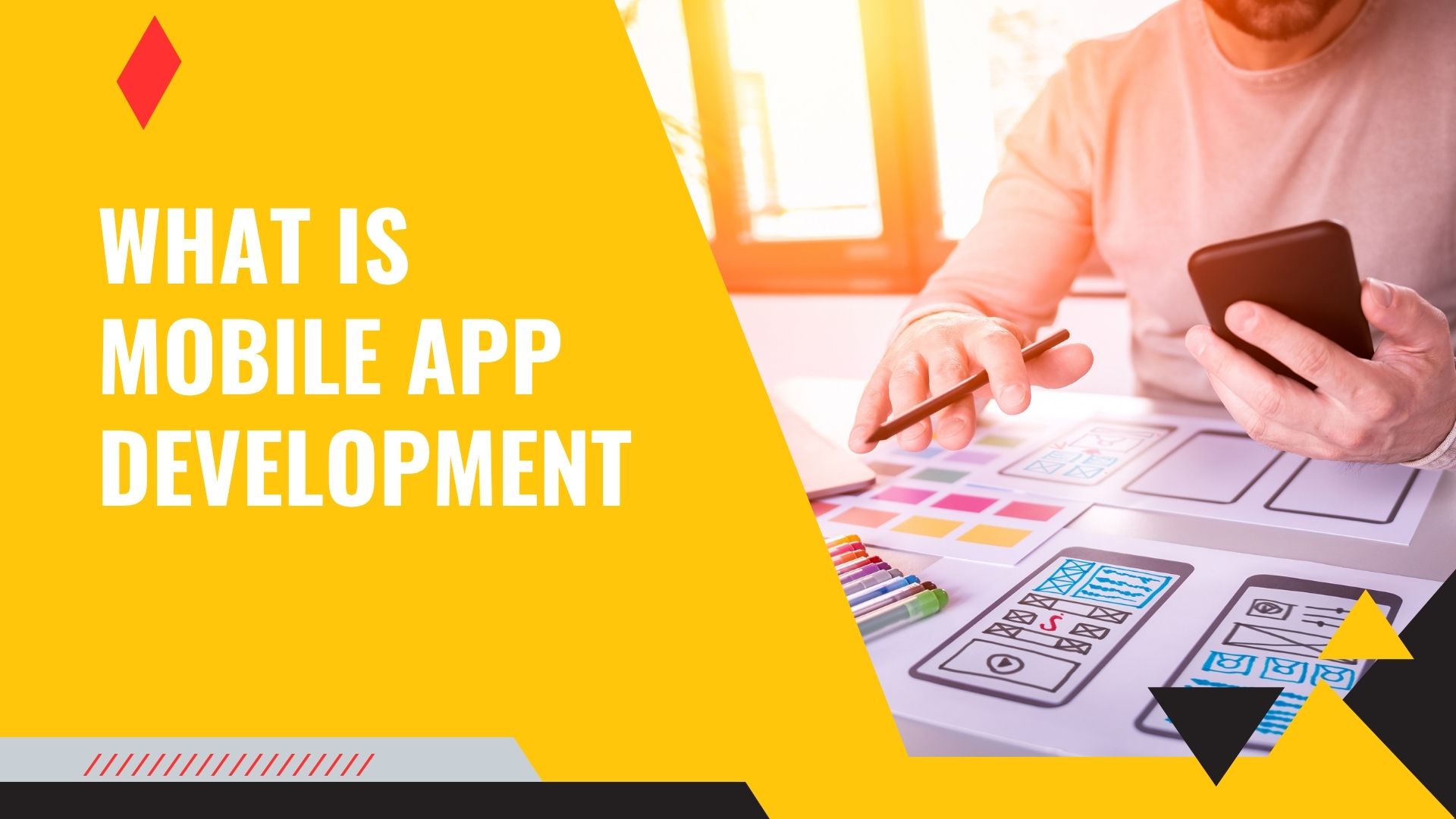
4: UI/UX Design (How App Looks)
This is the design part.
You decide:
- Colors
- Buttons
- Layout
- Fonts
- Icons
Good design = More users
Bad design = Users uninstall
Simple rule:
Keep it clean
Fast
Easy
5: Development (Coding Starts).
Now developers build the app .
Two parts :
Frontend ⇒ What users see
Backend ⇒Server + database
Example:
Frontend:
Buttons screens animations
Backend:
Login system
User data
Notifications
Content
Both connect to make a working app.
6: Testing (Fix Errors).
Before launch test :
- App crash
- Slow loading
- UI issues
- Login errors
- Notifications
Testing is very important.
Bad testing = Bad reviews
7: Launch App.
Now upload to:
Google Play Store
Apple App Store
Add :
- App name
- Description
- Screenshots
- Icon
- Keywords
Now your app is live
8: Updates and Improvements
After launch:
- Fix bugs
- Add features
- Improve speed
- Read reviews
Successful apps never stop improving .
Technologies Used in Mobile App Development .
Here are beginner friendly tools:
Android Development.
Languages:
- Kotlin
- Java
IDE:
- Android Studio
iPhone Development
Language:
- Swift
IDE:
- Xcode
Cross Platform Development.
Most popular in 2026 :
Flutter
React Native
Kotlin Multiplatform
Best for beginners :
Flutter
Mobile App Development Cost (Realistic).
Costs depend on complexity .
Basic app:
$300 to $1k
Medium app:
$1k to $5k
Advanced app:
$5k to $50k+
Depends on :
- Features
- Design
- Platform
- Developer experience
Q. How Long Does It Take to Build an App ?
Simple app:
2 to 3 weeks
Medium app:
1 to 2 months
Advanced app:
3 to 6 months
Again depends on features.
Real Life Example (Simple).
Let is say you want to build :
Pakistan News App
Steps :
- Idea ⇒ News app
- Research ⇒ Check competitors
- Features ⇒ Categories + Live + Videos
- Design ⇒ Clean layout
- Build ⇒ Flutter
- Test ⇒ Fix bugs
- Launch ⇒ Play Store
- Update ⇒ Add features
That is mobile app development.
Skills Needed for Mobile App Development.
You do not need everything . Start small.
Beginner skills :
- Basic programming
- UI understanding
- Logic thinking
- Problem solving
Advanced skills :
- API integration
- Database
- Authentication
- Push notifications
Mobile App Monetization (Earn Money).
Ways to earn:
1. Ads
Google AdMob
Banner ads
Interstitial ads
Most common method.
2. Subscription
Monthly premium access.
Example:
News premium content
3. In-App Purchase
Users buy:
- Features
- Coins
- Unlock content
4. Affiliate Marketing.
Promote products inside app.
Earn commission .
5. Paid App
Users pay before install .
Not common now .
Common Mistakes Beginners Make.
Avoid these:
- Too many features
- Bad UI design
- Slow app
- No testing
- No updates
- Copy apps
Simple apps perform better.
Mobile App Development Trends 2026.
Important trends :
AI-powered apps
Voice-based apps
Offline-first apps
Super apps
Low-code platforms
AR/VR apps
Future is mobile first.
Best Tools for Mobile App Development.
Design tools:
Figma
Adobe XD
Development:
Flutter
React Native
Android Studio
Backend:
Firebase
Supabase
Node.js
Testing:
TestFlight
Firebase Test Lab
Mobile App Development v/s Web Development
Mobile App :
Installed
Faster
Push notifications
Better UX
Web App:
No install
Cheaper
Easy updates
Both have benefits.
How Beginners Should Start.
Simple roadmap:
1: Learn basics
2: Choose Flutter
3: Build simple app
4: Add features
5: Publish
Do not try to build big apps first .
Start small.
SEO Benefits of Mobile Apps.
Apps help:
- Brand visibility
- User engagement
- Push notifications
- Faster experience
- Repeat traffic
Apps increase audience.
Mobile App Development for Businesses.
Businesses use apps for:
- Sales
- Support
- Branding
- Notifications
- Loyalty programs
Example:
Food apps
Shopping apps
News apps
Apps build customer trust .
FAQs; Mobile App Development
Q. What is mobile app development ?
It is the process of creating apps for smartphones like Android and iPhone .
Q. Can beginners learn mobile app development ?
Yes. React Native .
Q. App development cost ?
Basic apps start from $300.
Q. Which language is best for mobile apps?
Flutter is best for beginners .
Q. How long does it take to build an app ?
Simple apps take 2 to 3 weeks.
Q. Can I earn money from apps ?
Yes through ads subscriptions, and purchases .
Final Thoughts .
Every big app you see today started small.
Instagram started as a photo app
WhatsApp started as a messaging app
TikTok started simple
You do not need to build the next giant app.
Just build something useful.
Start small.
Improve slowly.
Listen to users.
That is how successful apps grow.